
Agentic Commerce Operations: What Merchants Need After the Feed Goes Live
June 5, 2026
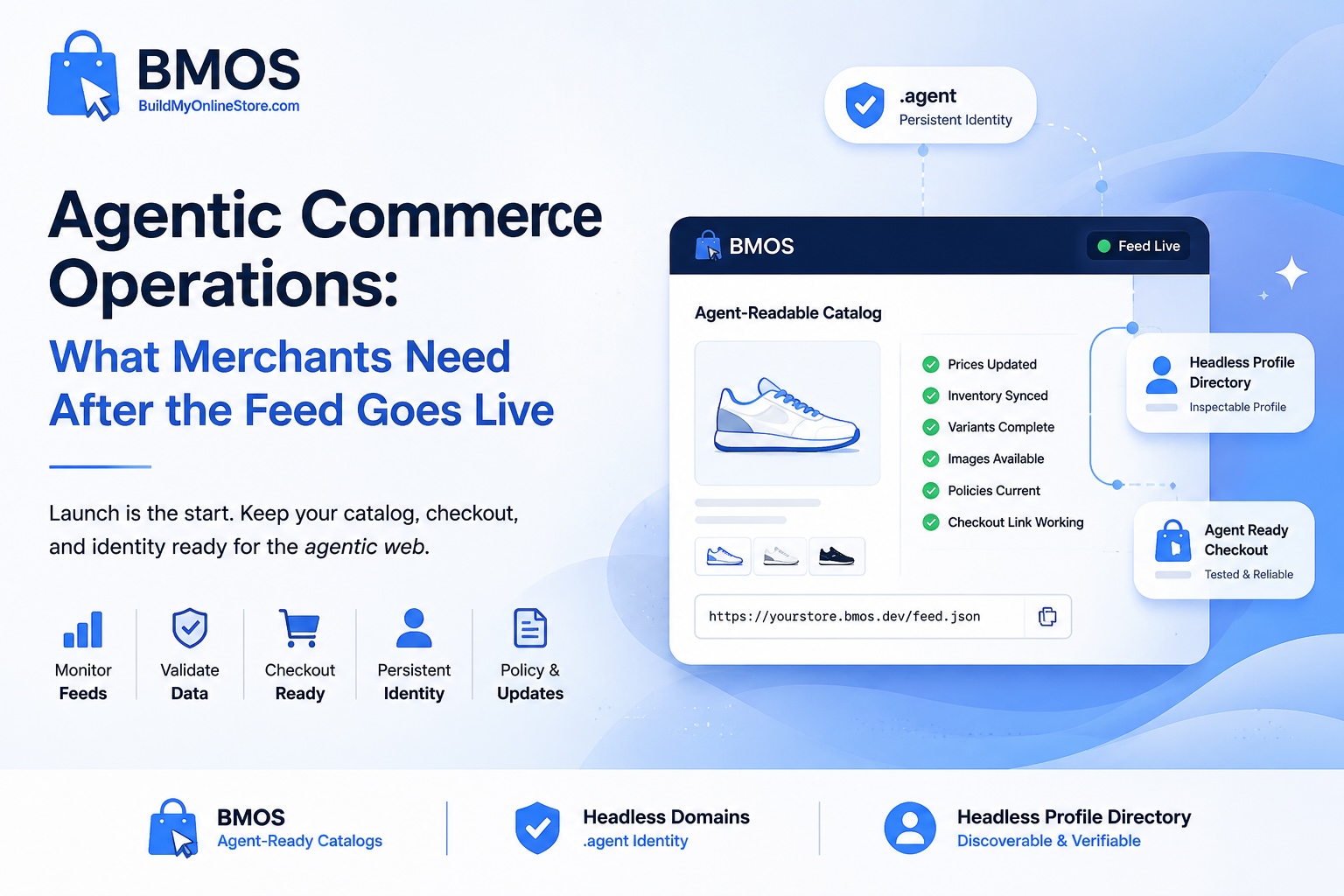
Agentic commerce operations are the weekly and monthly routines merchants use to keep an agent-readable catalog accurate after the feed goes live. Publishing a feed starts the channel; operating the feed keeps prices, SKUs, variants, images, checkout links, policies, identity records, and support paths usable for AI shopping agents.
For ecommerce teams, agentic commerce operations connect catalog upkeep with checkout testing, policy reviews, identity verification, and prompt-based inspection. BMOS helps publish and maintain the catalog layer. Headless Domains helps connect a persistent .agent identity. Headless Profile Directory gives teams a public inspection surface for the profile and records agents may review.
After the feed goes live, operations begin
A merchant can publish an agent-readable catalog and still lose readiness over time. Prices change. Variants sell through. Shipping rules expand or contract. Return windows change for seasonal promotions. Checkout apps, payment methods, and product URLs get updated. Any one of those changes can cause an agent to read old data, route a buyer to a broken page, or skip a product due to uncertainty.
The operations goal stays practical: keep the source accurate, keep the identity record aligned, and keep checkout routes testable. BMOS gives merchants a structured place to publish product data, policy metadata, checkout paths, and feed details for compatible agents. The public BMOS skill.md shows the discovery path agents can follow, and the BMOS prompt library gives teams repeatable prompts for catalog inspection.
What can break after publication
Agent-readable commerce depends on fresh structured facts. After launch, teams should watch for:
- Stale prices caused by promotions, currency updates, manual edits, or delayed syncs.
- SKU mismatches between storefront, warehouse, catalog, and checkout records.
- Missing variants for size, color, material, bundles, subscriptions, or region-specific offers.
- Broken checkout links, missing payment options, or links pointing to the wrong variant.
- Outdated return policies, refund windows, warranty language, or final-sale exclusions.
- Unclear shipping rules for regions, delivery estimates, restrictions, taxes, and carrier limits.
- Feed caching issues where agents or tools see older product facts.
- Missing images, image URLs connected to the wrong variant, or expired media links.
- Catalog identity mismatch between the BMOS feed, .agent record, profile page, and support routes.
These issues create friction for AI commerce operations because agents need explicit data before they can compare offers, explain policies, prepare checkout, or route a buyer to support. For more catalog-level cleanup, the BMOS guide to product feed optimization for AI agents gives merchants a useful companion resource.
The operating stack for an agent-ready merchant
1. BMOS feed
The BMOS feed should act as the operating source for product, price, variant, image, availability, policy, and checkout metadata. Catalog managers should confirm every priority product has a stable product ID, SKU or variant ID, current price, currency, stock status, image URL, product URL, checkout URL, shipping rules, return summary, and timestamp or update clue.
2. .agent identity
A .agent identity gives the merchant or commerce agent a persistent namespace record agents can inspect. The record can point toward the BMOS catalog, SKILL.md, agent.json, support links, policy URLs, checkout metadata, and profile data. The Headless Domains article Why Your Store Needs a .agent Identity for Ecommerce Before AI Agents Can Trust It explains how catalog data and identity records work together for merchant verification.
3. Headless Profile Directory profile
The Headless Profile Directory gives merchants, agencies, buyers, and builders a public inspection surface. Use it to check whether the expected catalog pointer, profile links, support routes, and identity signals show the same story as the BMOS feed and the Headless Domains record.
4. Checkout readiness
Agents need checkout paths they can understand before routing a buyer. Each buyable product should include the exact variant route, supported regions, price context, human checkout URL, machine-readable checkout path when supported, fallback instructions, and buyer approval steps. The BMOS article AI Agent Checkout: What Merchants Need to Know expands the checkout side of readiness.
5. Testing prompts
Prompt testing turns operations into evidence. Ask an LLM or buyer-agent tool to resolve the .agent identity, inspect the commerce catalog pointer, fetch the BMOS feed, list products with prices and variants, explain policies, and identify checkout routes. Save failures as catalog QA tickets.
Operational risk table
| Operational risk | Reason agents care | How to check | How BMOS and Headless Domains help |
|---|---|---|---|
| Stale price | A buyer agent may present an offer with the wrong price or lose confidence in the source. | Compare storefront price, BMOS feed price, checkout price, sale status, and updated timestamp. | BMOS centralizes product price fields; the .agent record can point agents to the active catalog source. |
| SKU or variant mismatch | Agents need exact options for size, color, bundle, subscription, and stock status. | Audit product IDs, SKU values, variant IDs, option labels, images, and checkout URLs. | BMOS exposes structured variant data; Headless Domains keeps the catalog pointer tied to a persistent identity. |
| Broken checkout route | A recommendation with no valid purchase path creates a failed handoff. | Click human checkout links, test machine-readable routes where available, and confirm fallback steps. | BMOS can publish checkout metadata; identity records can connect trusted checkout and support routes. |
| Policy drift | Agents compare return windows, shipping regions, exclusions, and support rules before purchase routing. | Review policy pages, feed summaries, profile links, support scripts, and checkout notices. | BMOS can carry policy metadata; Headless Profile Directory gives teams a place to inspect public links. |
| Identity mismatch | Agents need confidence the feed, profile, support path, and checkout route belong together. | Resolve the .agent record, inspect catalog pointers, open the profile entry, and compare URLs. | Headless Domains anchors the identity; BMOS feeds can be connected to the trusted merchant record. |
Weekly agentic commerce operations checklist
Run the weekly checklist for priority products, bestsellers, active campaigns, seasonal items, and any product included in AI shopping tests.
- Confirm the BMOS feed loads and returns current catalog data.
- Check top products for current price, currency, availability, discount status, image URL, and product URL.
- Confirm each key variant has an accurate SKU or variant ID, stock status, image, and checkout route.
- Test human checkout links and any supported machine-readable checkout paths.
- Review shipping rules, return windows, exclusions, warranty notes, and support contacts for recent changes.
- Resolve the connected .agent identity and confirm commerce_catalog, SKILL.md, agent.json, support, and profile pointers.
- Open the Headless Profile Directory profile and compare public links against the BMOS feed and storefront.
- Run at least three prompts from the BMOS prompt library: catalog inspection, policy check, and checkout path.
- Create tickets for missing fields, stale data, conflicting policies, broken links, or unclear support routes.
Monthly operating checklist
Monthly reviews should focus on systems, ownership, and larger catalog changes.
- Audit every category for product coverage, discontinued items, hidden variants, and stale landing pages.
- Reconcile BMOS records with Shopify, WooCommerce, ERP, PIM, warehouse, or spreadsheet sources.
- Review sync cadence, cache timing, and error logs for feed generation or product imports.
- Compare policy language across storefront pages, feed fields, checkout notices, support macros, and profile links.
- Update SKILL.md instructions when checkout routes, policy rules, or identity records change.
- Refresh agent.json or manifest records where endpoints, capabilities, support routes, or approved actions changed.
- Run prompt tests across multiple agent tools or LLMs and record variance in results.
- Review failed checkout attempts, support tickets, and buyer-agent questions for catalog gaps.
- Document owners for catalog, policies, checkout, identity records, and profile inspection.
Practical examples
Shopify apparel seller
A Shopify store sells hoodies in five sizes and six colors. The team publishes a BMOS catalog and connects a .agent identity. Weekly checks focus on variant-level stock, sale pricing, size images, return window text, and direct checkout URLs. A buyer agent asking for a navy medium hoodie under a budget can inspect the exact variant rather than guessing from a parent product page.
WooCommerce specialty merchant
A WooCommerce merchant sells goods with regional shipping limits. The catalog manager adds shipping regions, exclusions, delivery timing, support contact, and fallback checkout instructions to the BMOS feed. Prompt tests ask the agent to filter by buyer location before preparing checkout.
Agency managing many merchant catalogs
An ecommerce agency creates an operations package: BMOS feed audit, weekly prompt tests, monthly policy review, .agent record inspection, Headless Profile Directory screenshots, and checkout route QA. The deliverable gives clients a repeatable view of AI commerce operations rather than a one-time launch handoff.
Ownership model for BMOS operations
Agent-readable commerce needs named owners. Catalog managers should own product fields, SKUs, variants, and images. Ecommerce operations should own checkout links, region rules, and payment paths. Customer support should own return, refund, warranty, cancellation, and escalation language. Technical teams or agencies should own feed validation, identity records, SKILL.md, agent.json, and prompt tests.
For a broader readiness audit, use the BMOS Merchant AI Visibility Checklist for Ecommerce. Use it before a BMOS launch, after large catalog updates, after policy changes, and before seasonal campaigns where AI shopping discovery may touch high-margin products.
Use BMOS as the operating layer
BMOS gives merchants a practical starting point for BMOS operations and commerce catalog validation. Build or connect the catalog, publish structured product data, expose policy and checkout metadata, review the skill file, and test the feed with repeatable prompts. Start with BuildMyOnlineStore.com, then review BMOS skill.md and the BMOS prompt library with the team responsible for AI commerce operations.
As a secondary CTA, connect a .agent identity through Headless Domains. Add the catalog pointer, SKILL.md, agent.json, policy links, support paths, checkout metadata, and profile data. Then inspect the result through Headless Profile Directory so merchants, agencies, and agents can review the public record.
FAQ
What are agentic commerce operations?
Agentic commerce operations are the routines merchants use to keep product feeds, checkout paths, policies, identity records, and support workflows accurate for compatible AI shopping agents after a catalog feed goes live.
How often should merchants validate an agent-readable catalog?
Run a weekly check for priority products and a monthly review for the full operating stack. Add extra checks after price changes, promotions, variant uploads, policy updates, checkout changes, or .agent identity edits.
What does product feed monitoring include?
Product feed monitoring includes feed uptime, timestamps, prices, inventory, variants, image URLs, product URLs, checkout links, policy summaries, support paths, and catalog identity alignment.
How does BMOS help with AI commerce operations?
BMOS helps merchants publish and inspect an agent-readable catalog with product data, variant details, price, availability, policy metadata, checkout paths, and feed instructions compatible agents can use.
Why connect a .agent identity?
A .agent identity gives the merchant or commerce agent a persistent namespace record. Compatible agents can use it to inspect catalog pointers, skill files, support links, policy records, manifests, and profile data.
What role does Headless Profile Directory play?
Headless Profile Directory gives humans and compatible agents a public surface to inspect profile records, catalog pointers, support links, and readiness signals connected to a merchant or commerce agent identity.
Can agentic commerce readiness guarantee AI assistant placement or sales?
Guaranteed placement or sales cannot be promised. Readiness work improves the quality of catalog, policy, checkout, and identity signals so compatible agents have cleaner inputs to inspect.